

Most of the work in a funding file happens early: the application, the bank statements, the first review. Then, close to the end, a different kind of step can appear. Before money moves, a provider may want to look at the account itself instead of relying only on the documents you uploaded. This page explains what that step commonly looks like, why providers do it, and how to keep your account safe while you complete it.
One point first, so nothing here is misread. Verification practices are set by each provider. We describe what is common, not what is universal, and T.A.G. does not run every provider's verification. We are an independent ISO/broker, not a lender, and we never ask for your banking passwords.
What final bank verification is
Final verification is a check, usually made after an offer exists and shortly before funds are released, that the account on file is real, belongs to the business, and looks the way your documents say it does. It is separate from the earlier review of your statements, which we cover in how lenders verify revenue. That earlier step reads your history. This one confirms the account that will receive the money.
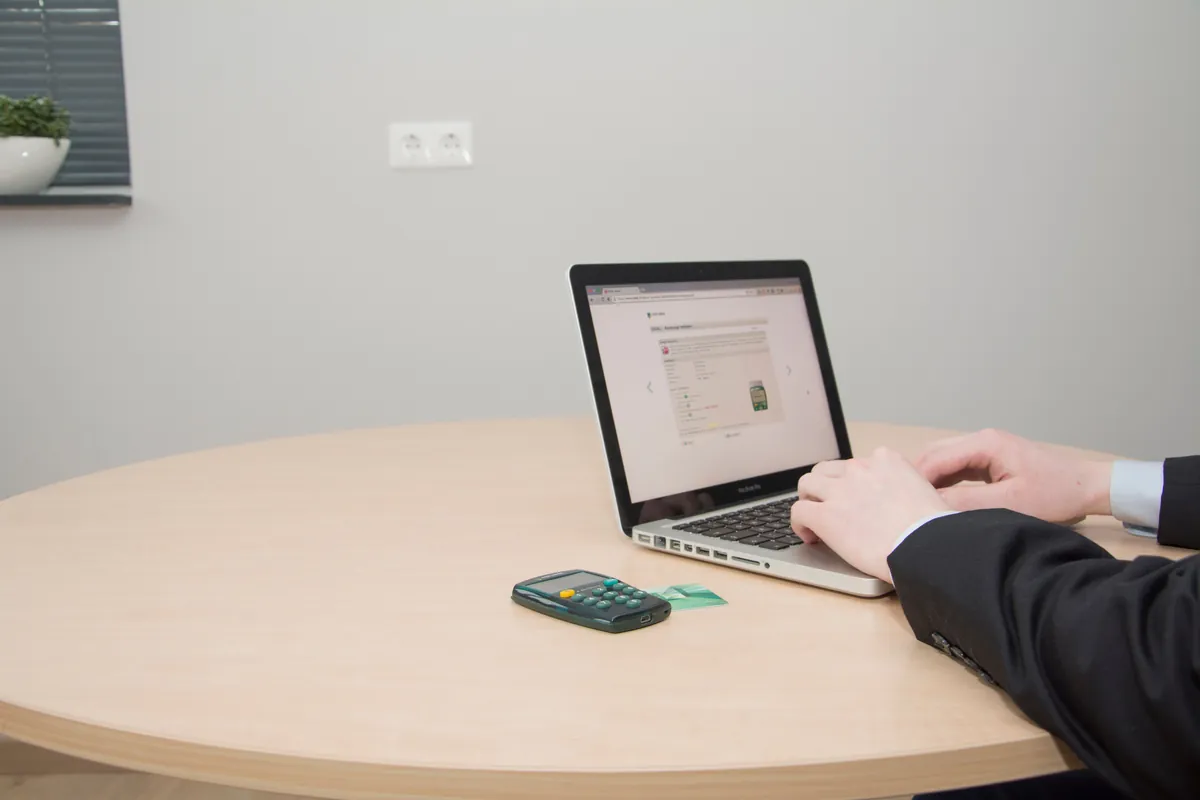
Providers go about it in different ways. A common method is a secure digital connection, set up by you through a link or screen inside the provider's own signing or verification flow. Other providers may use a different method, such as asking for fresh statements or additional confirmation. The provider decides, and the method can vary from one file to the next.
Why providers do it
A provider is about to send money based on documents. Statements can be altered, accounts can be closed or overdrawn between the last statement and the funding date, and a typo in an account number can send funds to the wrong place. A direct look at the account lets the provider catch those problems before funds are released. Seen from your side, it also protects the business from a deposit that lands in the wrong account.
In short, three things have to agree:
- The account is real and open. The statements you sent came from an account that exists and is active.
- The name matches. The account holder is the business on your application. See why the business name must match your bank statements.
- The balance supports funding. A negative balance on the day of funding can put a deal at risk. What that can mean is covered in approved but not funded: the negative balance problem.
What "read-only" means in plain terms
A read-only connection lets the provider view account activity as the bank reports it. Think of it as being handed a window instead of a key. It is meant to confirm what is there, and it does not authorize the provider to move money. Money moves later, under the funding agreement you sign, through the arrangements spelled out in that agreement.
Two cautions keep that definition honest. First, the label does not replace reading. The screen you are shown should describe what access you are granting and for how long, and you are entitled to read it before you agree. Second, access can often be reviewed or removed afterward through your bank. Ask your bank how, if you want to confirm that a connection is closed once funding is complete. Features differ by bank and by provider, so treat this as a general description and check your own screens.
How to do it safely
Never share your online banking password
A legitimate verification does not require you to send a password in an email, a text message, or over the phone. T.A.G. will never ask you for your online banking username or password, and we ask that you never send one to us. If a message asks you to send credentials by email, text or phone, or to enter them on a page you reached from an unexpected message, stop.
Use only the provider's own flow
A real request usually arrives inside the signing or verification process that the funding provider sent you, for example from the same email thread and sender as your offer or agreement. Check the sender's address and the link's domain before you click. When the request does not match anything you were expecting, do not use the link. Contact the provider through a phone number or website you already have and ask whether the request is real.
Log in on your bank's own page
Many connection screens redirect you to your bank to sign in. That is normal. What is not normal is a page that looks like your bank but asks for extra information, such as a full card number or your PIN. A one-time security code your bank sends for sign-in is normal; a request to read that code to someone else is not. A bank sign-in screen does not need those things for a read-only view.
Keep a record
Save the confirmation screen or email. If a question comes up later, you will know what you approved and when.

Altered statements are not a workaround
Some owners wonder whether altering a statement is worth the risk. It is not, and it should never be attempted. Providers can compare the documents you gave them against what the bank itself reports, and a final connection can put the two side by side. A mismatch can end the file, and altering a financial document can also carry legal consequences. If your real statements look weaker than you would like, say so in the application and let the provider decide on accurate information. Honest numbers with a clear explanation are always safer than a document you cannot stand behind.
If you are uneasy about connecting
Hesitation is reasonable. Your bank account is sensitive, and a request to connect it should earn your trust. You can ask the provider direct questions before you agree:
- What exactly will you be able to see, and what will you not be able to do?
- How long does the connection stay open?
- Is there another way to complete verification, such as recent statements or additional confirmation?
- Who should I contact if the connection fails or I want it removed?
Whether an alternative exists is up to the provider, and we cannot promise one. Asking is still the right move, and a legitimate provider will answer in writing. If you use a business account at an online-only bank, the provider may have its own process for that too; traditional bank versus fintech business account for funding explains how those accounts are generally viewed.
Where this fits in the whole process
It helps to see final verification as the last of several separate steps. Each one has a different meaning, and passing one does not mean the next is guaranteed:
- Application and statements. You send a signed application and the four most recent consecutive business bank statements (six where available or requested), as complete, unaltered bank PDFs.
- Review and offer. A provider reviews the file and may make an offer. Initial funding decisions are based primarily on your business's bank-statement cash flow, without a hard credit inquiry before the initial decision. Additional underwriting and credit checks, potentially including a hard inquiry, may occur before final funding.
- Signing. If you accept, you sign an agreement. Read how that works in signing a funding agreement electronically.
- Final verification. The provider confirms the account before releasing funds, commonly with a read-only connection.
- Funding. Funds are sent to the verified account, on timing the provider controls.
Each step can move quickly when your documents are clean, the business name matches, and you answer messages promptly. Funding within 24 to 48 hours is possible in the right circumstances, but it is never promised, and delays can come from missing documents or unanswered requests. Watching your email, including spam, helps more than anything else you can do at this stage. The broader preparation checklist is in what to know before you apply for business funding.
Before the verification step arrives
- The account on your application is the same business account that produced your statements.
- The account is open, in the business's name, and not overdrawn.
- You know to use only the link inside the provider's own signing or verification flow.
- You will never email or text a banking password to anyone.
T.A.G. is an independent ISO/broker that works with multiple funding sources. Funding decisions, terms and verification methods belong to the funding source.
Frequently asked questions
Will a business funder verify my bank account before funding?
Many providers do. A common method is a secure, read-only digital connection to your business bank account, though a provider may choose a different method. It is provider-specific, so it is common but not universal.
What does a read-only bank connection mean?
It means the provider can view account activity as your bank reports it. It does not authorize the provider to move money. Read the permissions on the provider's own screen before you approve, and ask your bank how to review or remove access afterward.
Should I give T.A.G. or anyone my online banking password?
No. T.A.G. does not ask for banking passwords and does not run every provider's verification. Never send a password by email, text or phone. Use only the verification flow the provider sent you, and check the sender before you click.
Can an altered statement get past verification?
No. Altering a statement should never be attempted. Funders can compare documents with what the bank reports, a mismatch can end the file, and altering financial documents can carry legal consequences. Submit accurate, original statements.
What if I am uncomfortable connecting my account?
Ask the provider what it needs, what it can see, how long the connection lasts, and whether an alternative exists. Alternatives are the provider's choice and are not guaranteed, but asking is reasonable.
Why do the account balance and business name matter at this stage?
The provider is confirming that the account is real, belongs to the business on your application, and is in a state that supports funding. A name mismatch or a negative balance on the day of funding can delay or jeopardize a deal, and rules vary by provider.
Last reviewed: November 11, 2026. T.A.G. is an independent ISO/broker, not a lender. Funding is provided by third-party funding sources and is subject to their underwriting and approval. This page is general information, not legal or financial advice, and verification practices vary by provider and bank.